Project Description
A Next.js portfolio with a Notion-powered blog and a mini RAG system for natural language queries about my experience.
Every developer's portfolio has the same problem: it's a static museum of past work. You browse a few project cards, maybe read a blog post, and then you leave. There's no conversation, no way to ask "Have you worked with Kafka?" or "What was the hardest bug you fixed?" and get an answer rooted in the actual content.
I wanted my portfolio to feel alive — not just a gallery, but a space where someone could genuinely explore my work and ask questions about it.
So I built a portfolio that thinks. It pairs a Notion-powered blog with a mini Retrieval-Augmented Generation system, enabling visitors to ask natural language questions and get answers drawn directly from my project write-ups and blog posts. No chatbot fluff. No hallucinated filler. Just real answers pulled from real content.
The Notion CMS That Punches Above Its Weight
Most headless CMS setups are overkill for a personal site. Contentful is expensive. Sanity requires custom studio configuration. WordPress is, well, WordPress. I wanted something where writing a blog post felt as natural as opening a document.
I use Notion as my headless CMS. Blog posts are written in Notion using a structured database with fields for title, slug, description, tags, published date, and a "Published" checkbox. At build time, the site fetches posts via the Notion API, filters for published entries, and renders them using @notion-render — a library that converts Notion blocks into React components.
The workflow is dead simple: write in Notion, tick the "Published" box, rebuild the site, and the post goes live. No admin panel to maintain, no database to migrate, no deploy pipeline to trigger manually. The CMS is nothing but a database view.
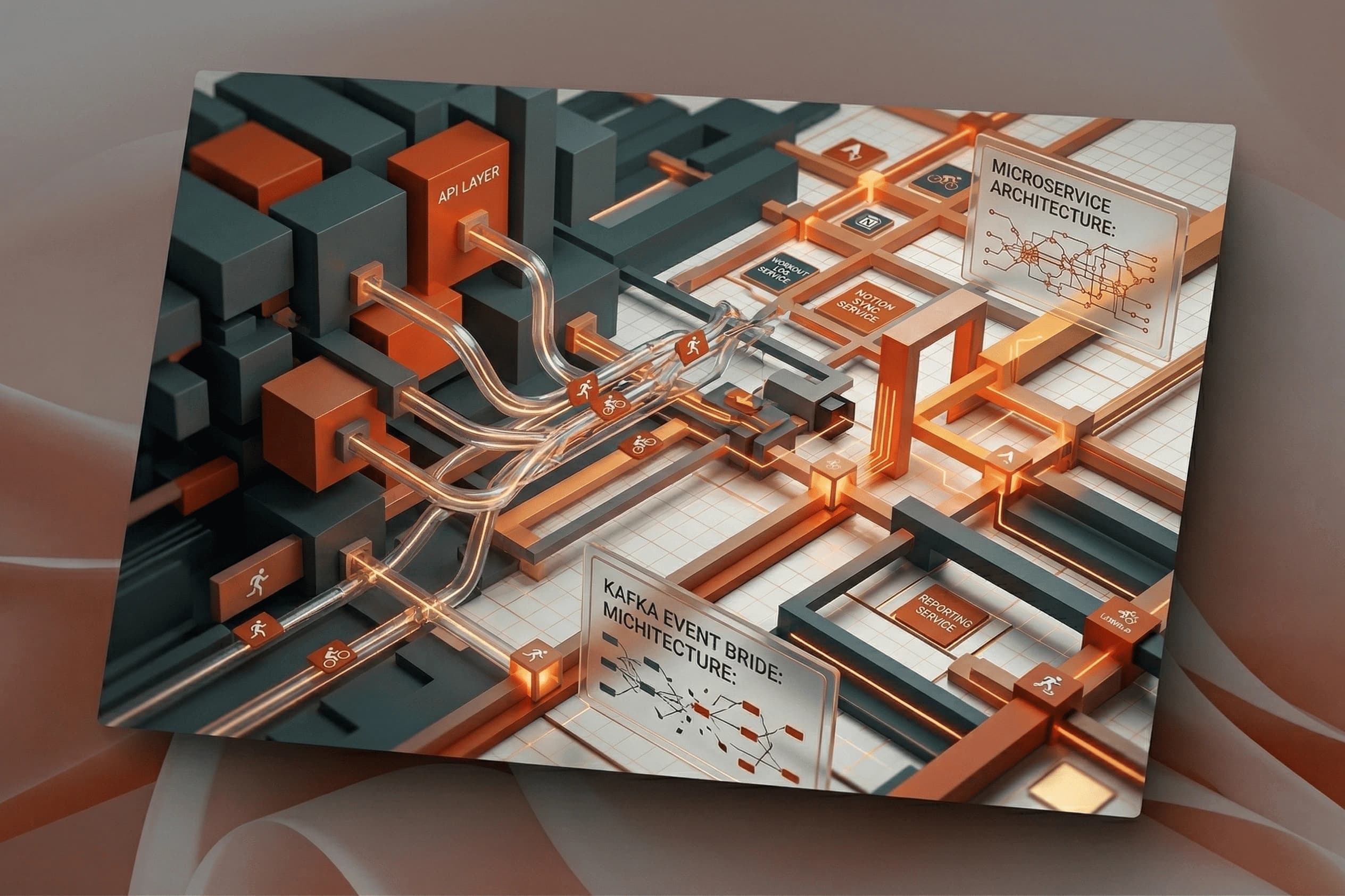
The Mini RAG System: Making Content Queryable
The RAG system started as a curiosity. I had this growing body of content — project stories in MDX, blog posts in Notion — and I thought: what if someone could ask a question and get an answer synthesized from all of it?
Here is how it works:
- Ingestion: At build time, I extract text from every MDX project story and every published Notion blog post. Each document is chunked into semantic segments and embedded into a vector index using a local embedding model.
- Query: When a visitor types a question, the system embeds their query and performs a similarity search against the vector index, retrieving the top-k most relevant document chunks.
- Generation: The retrieved chunks are passed as context to an LLM, which generates a concise answer grounded entirely in those sources. Every answer includes citation links back to the original project page or blog post.
The entire pipeline runs server-side, so the visitor never waits for a cold inference. Embeddings are cached, the vector index is rebuilt on each deploy, and the LLM call is streamed to the browser for a responsive chat experience.
Why This Architecture Works
The key design decision was keeping the RAG system purely content-grounded. The LLM never generates answers from its training data; it only answers based on the retrieved context. If the vector index returns nothing relevant, the system says "I don't have information about that" rather than fabricating an answer. This completely eliminates hallucinations for any question outside the portfolio's scope.
The system also respects the visitor's attention. Answers are kept concise — three to five sentences — and always point back to the source material. If someone wants the full story, they click through to the project page.
The Scrollytelling Challenge
Beyond the backend, the frontend of this portfolio presented its own challenge: making project showcases feel cinematic rather than static.
I built a scrollytelling component that uses a "sticky card stacking" effect. As you scroll through a project section, each card locks into a fixed position while the next card slides up from underneath. The illusion is that you're flipping through a deck of cards, each one telling a story.
This is powered by a careful orchestration of Framer Motion for the card entrance animations and GSAP for the scroll-driven timeline. The scroll position is managed by Lenis, a smooth scroll library that normalizes wheel and touch input across devices, giving me predictable scroll values to hook animations into.
What I Learned
Building your own portfolio RAG system taught me things no tutorial ever could.
First, chunking strategy matters enormously. If you chunk documents too small, the context passed to the LLM lacks narrative continuity. Too large, and irrelevant content dilutes the answer. I settled on semantic chunking — splitting at natural paragraph boundaries rather than fixed token counts — which produced dramatically better answers.
Second, source attribution is non-negotiable. Without citations, an AI-generated answer is just another voice in the void. Every answer on this site includes a direct link to the source project or blog post, making the system transparent and trustworthy.
Third, a portfolio should evolve with you. By combining Notion for content creation, MDX for project stories, and a vector index for discoverability, I built a system where adding a new project or blog post automatically makes it queryable. I don't need to manually update a search index or retrain a model. The system grows with every piece of content I write.
What's Next
The RAG system is intentionally minimal right now. I have a few improvements planned: adding support for multi-turn conversations so visitors can ask follow-up questions, expanding the vector index to include my GitHub READMEs and tech talks, and introducing a "confidence score" on answers so visitors can gauge how specific or general the response is.
Ultimately, this portfolio is a reflection of how I think about software: build systems that are resilient, transparent, and designed to improve over time. And if a visitor walks away knowing more about my work than they did when they arrived, the system is doing its job.